Settings
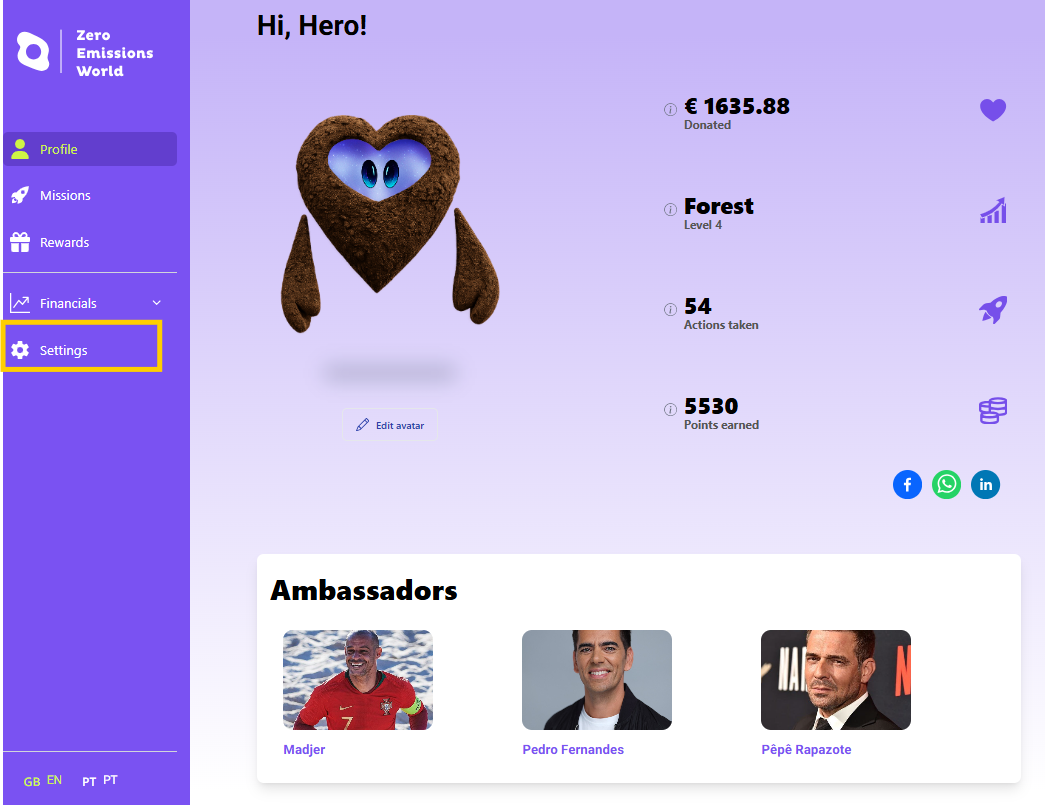
Once you are on your main Profile page, you can edit your name, date of birth, and customise your avatar via the Settings page, accessed from the panel on the left-hand side of the page:
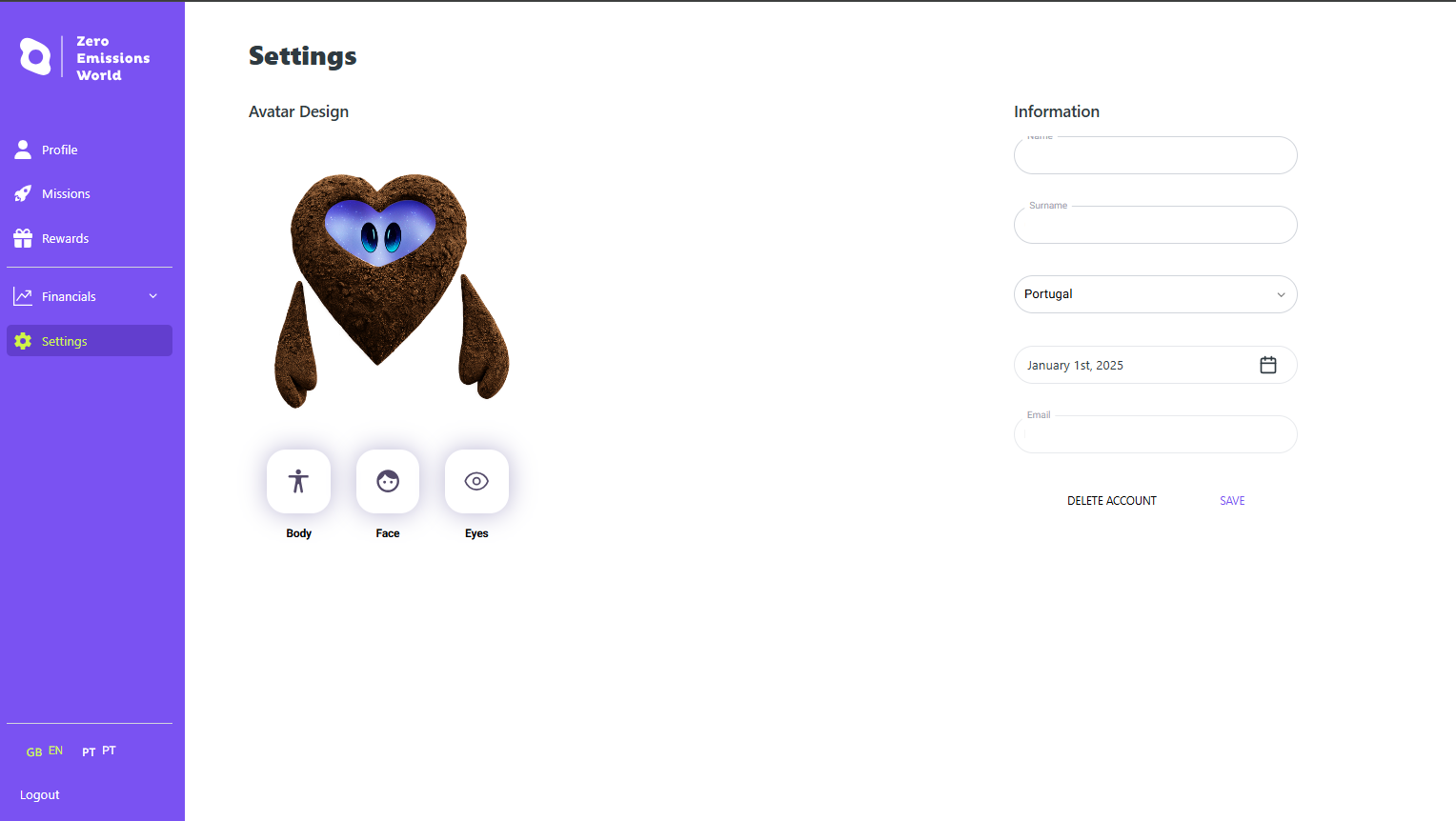
Once you’re on the Settings page, you can edit your name, country of residence, and date of birth. This is also where you can delete your account, if you ever wanted to.
Upgrading Your Avatar
Your avatar is more than just a look; it is your symbol in the Zero Emissions World community! You can use the Settings page to customise your heart-shaped companion and make it uniquely yours.
There are three features that you can upgrade:
Body – Choose the shape and colour that best represent your energy
Face – Select the expression that reflects your personality and spirit
Eyes – Add warmth or determination to your avatar’s gaze
Each change helps express who you are as part of our shared mission for a cleaner, more inclusive world. Personalise it, make it yours, and let your avatar speak for the values you bring to the movement.
Remember, the more donations you make and the more quizzes you complete, the more options you unlock to upgrade your avatar!