Login and Logout
Once you’re on the sign-in page, you can follow the instructions outlined below to log in and out of your ZEW account:
Login
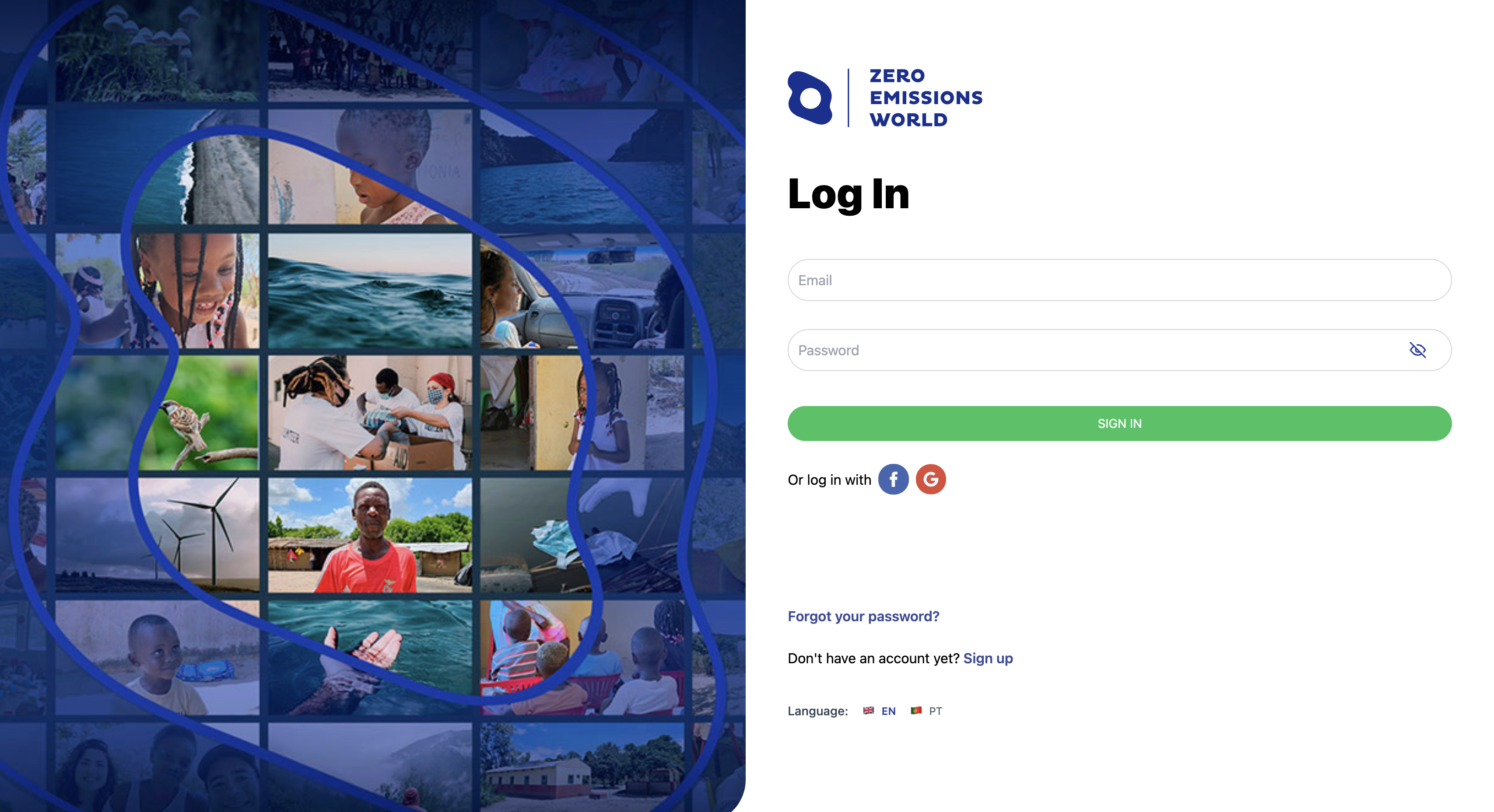
Logging in requires you to have an account. If you already have an account, please add your email and password into the fields and click Sign In. This will take you to your main Profile page.
If you do not yet have an account, you can click on 'Sign up' and create an account using your personal email address.
Linking External Accounts
If you prefer to link your existing Google or Facebook account to sign up, you can follow the steps outlined below:
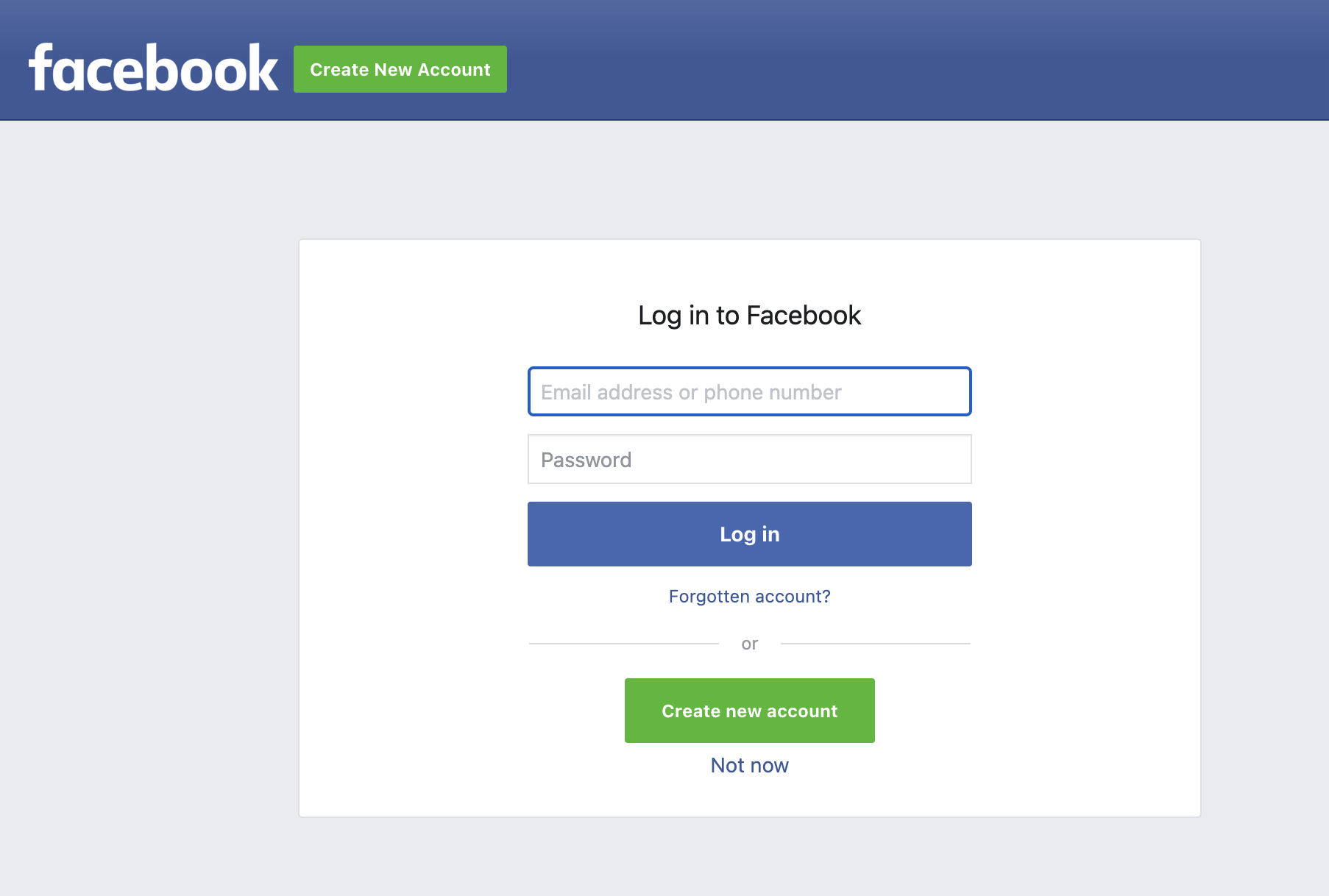
You’ll be prompted to sign in to your Facebook account. Follow the page to link and allow Zero Emissions World page to access your information.
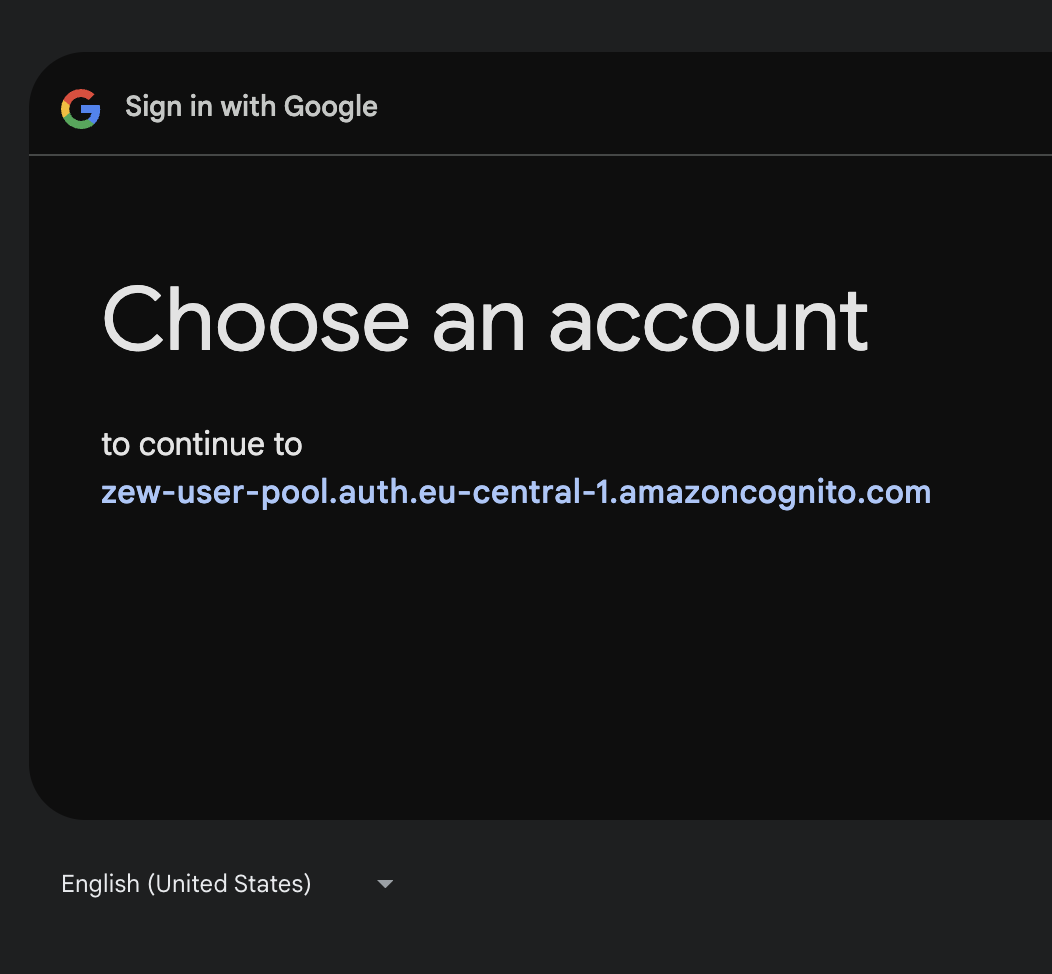
Similarly, you’ll be prompted by Google to choose an existing account to be linked to ZEW. Follow the instructions on the page to let ZEW access your information.
Logout
Once you’re logged in, logging out is easy - you’ll see a Logout button on the bottom left part of your screen. Click on the button and you’ll be taken back to the Sign-in page.