How to Donate
To make a donation on the Zero Emissions World (ZEW) platform:
Visit the ZEW Sign Up page, where you will be required to create an account:
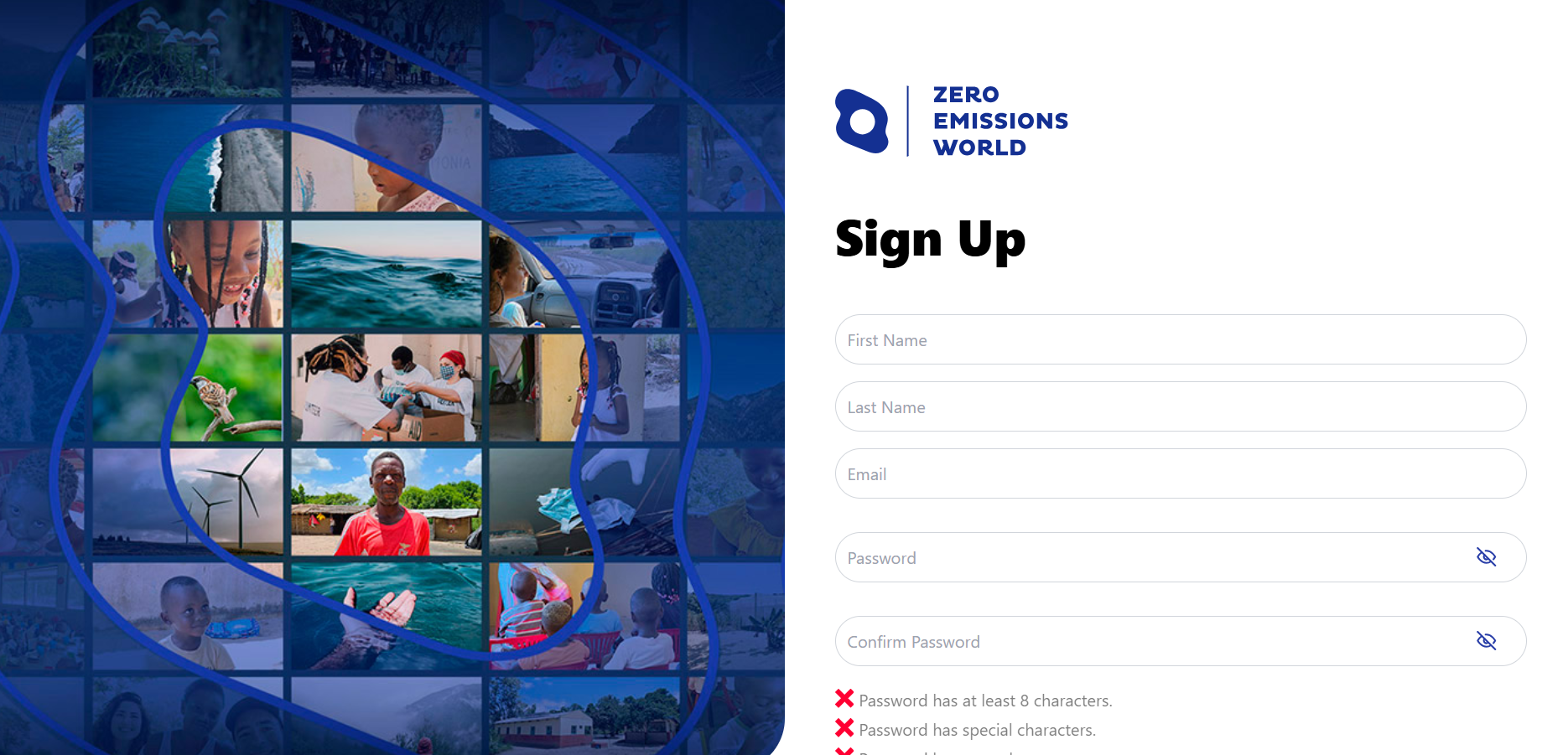
If you already have an account, you can simply log in.
Once you have signed up, you will be directed to your ZEW Profile page. This is where you can edit your details, upgrade your avatar, take quizzes, view the latest news, and unlock rewards:
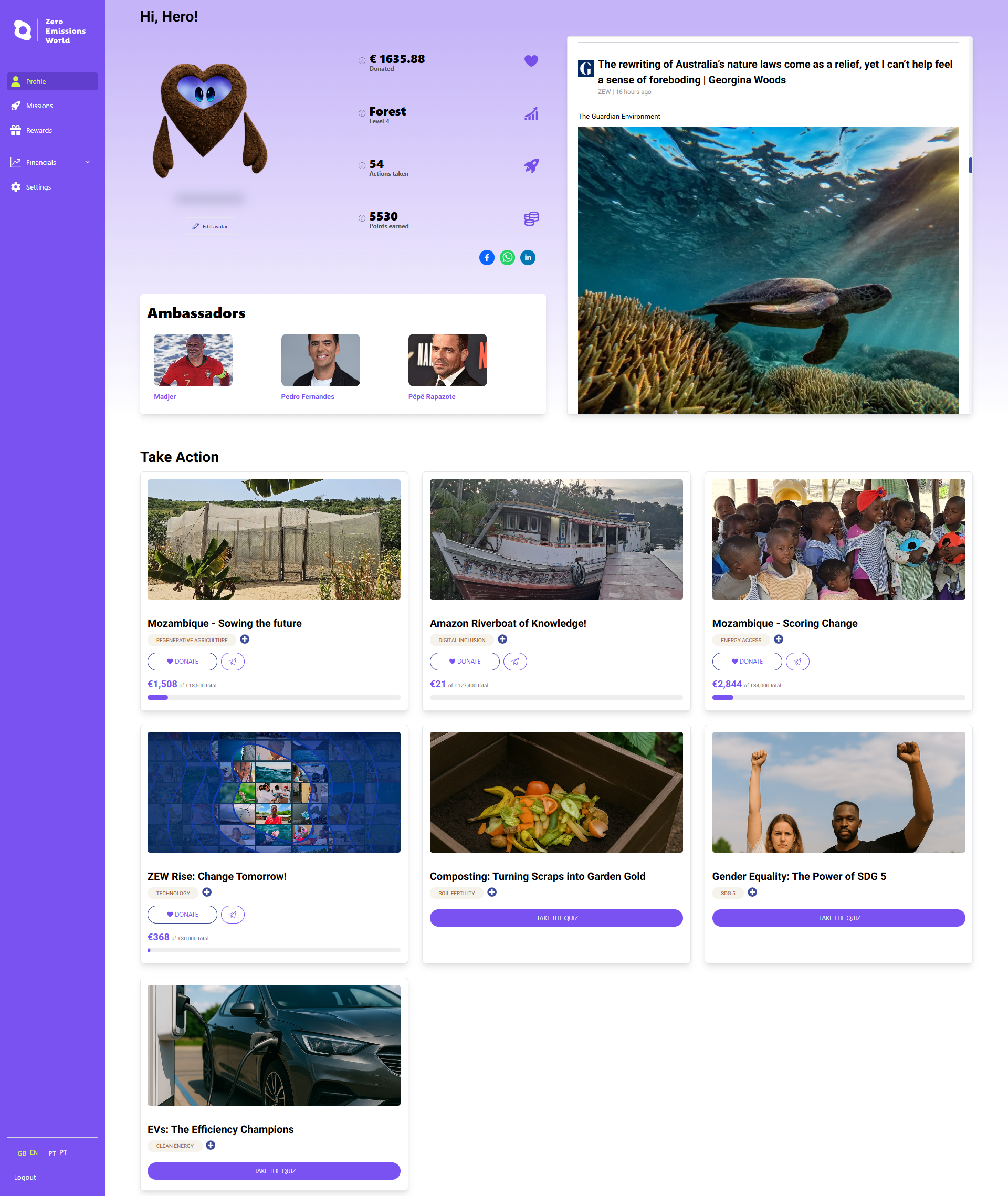
This is also where you can view our ambassadors and choose which mission(s) you would like to donate to by scrolling down to the ‘Take Action’ section.
To learn about a mission's goals, impact, location, associated ambassadors, and view on-the-ground pictures, click on the relevant mission tile:
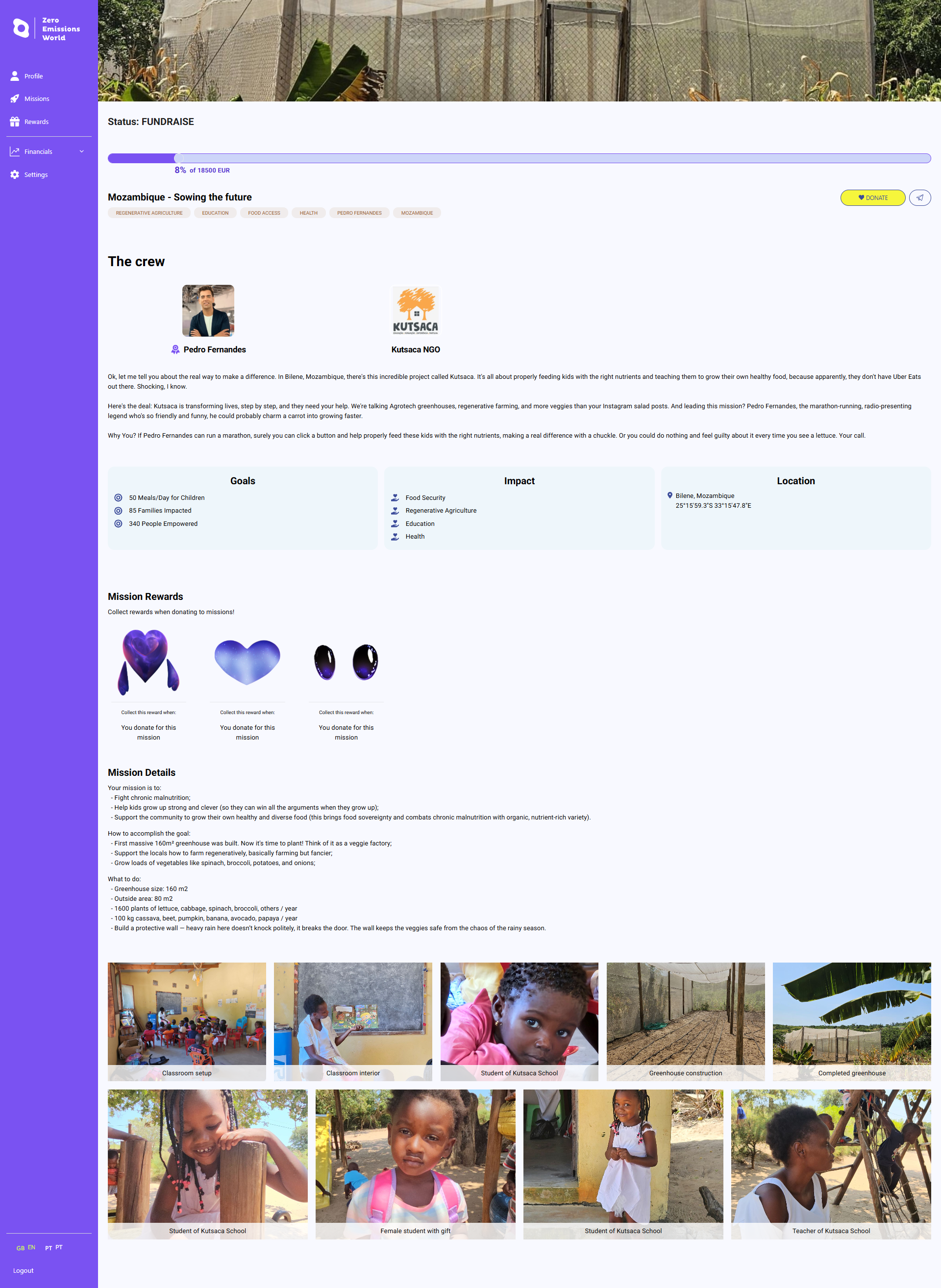
To donate to the mission you are interested in, click on the yellow ‘Donate’ button on the top right of this screen or on the corresponding purple ‘Donate’ buttons on the previous screen. This will take you to the donations page, where you can enter your details and choose the amount you wish to donate:
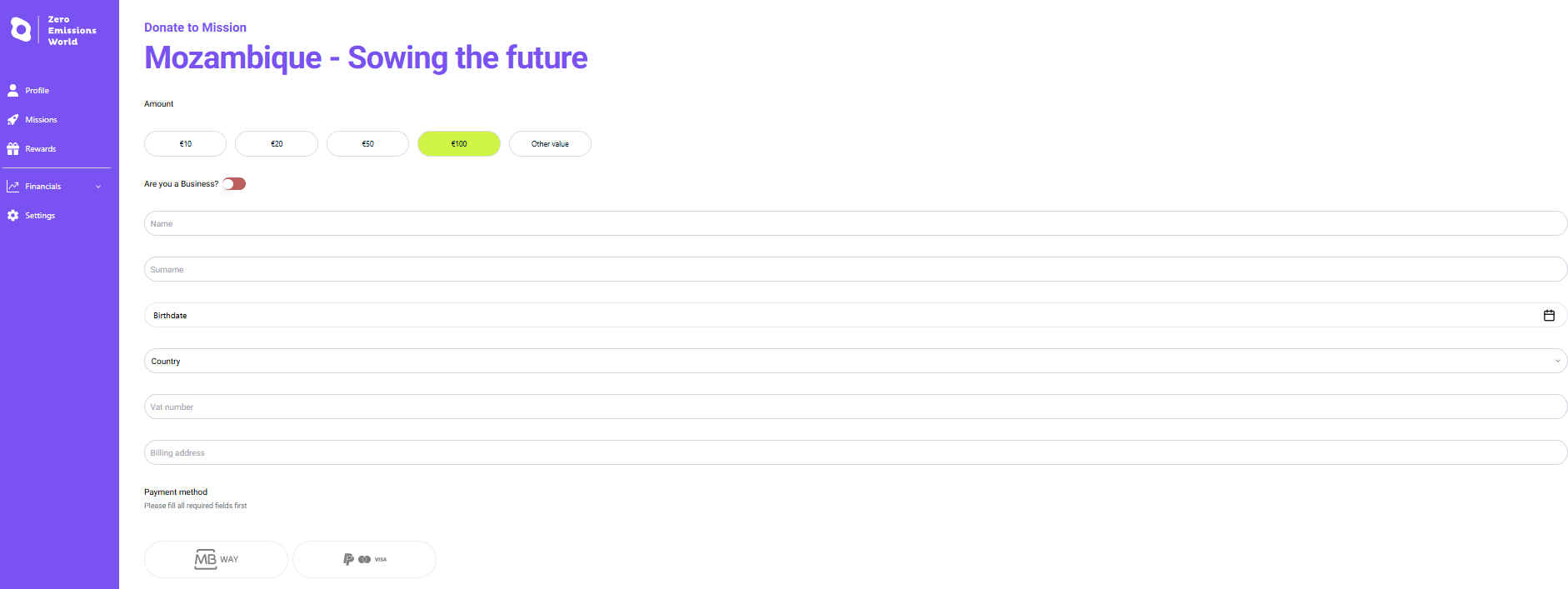
Once you’ve entered your details, you can follow the on-screen instructions to choose your preferred donation method e.g., PayPal, debit/credit card, or MBWAY (if you are based in Portugal).
Complete your donation via the preferred payment method:
PayPal:
You’ll need to sign into your PayPal account:
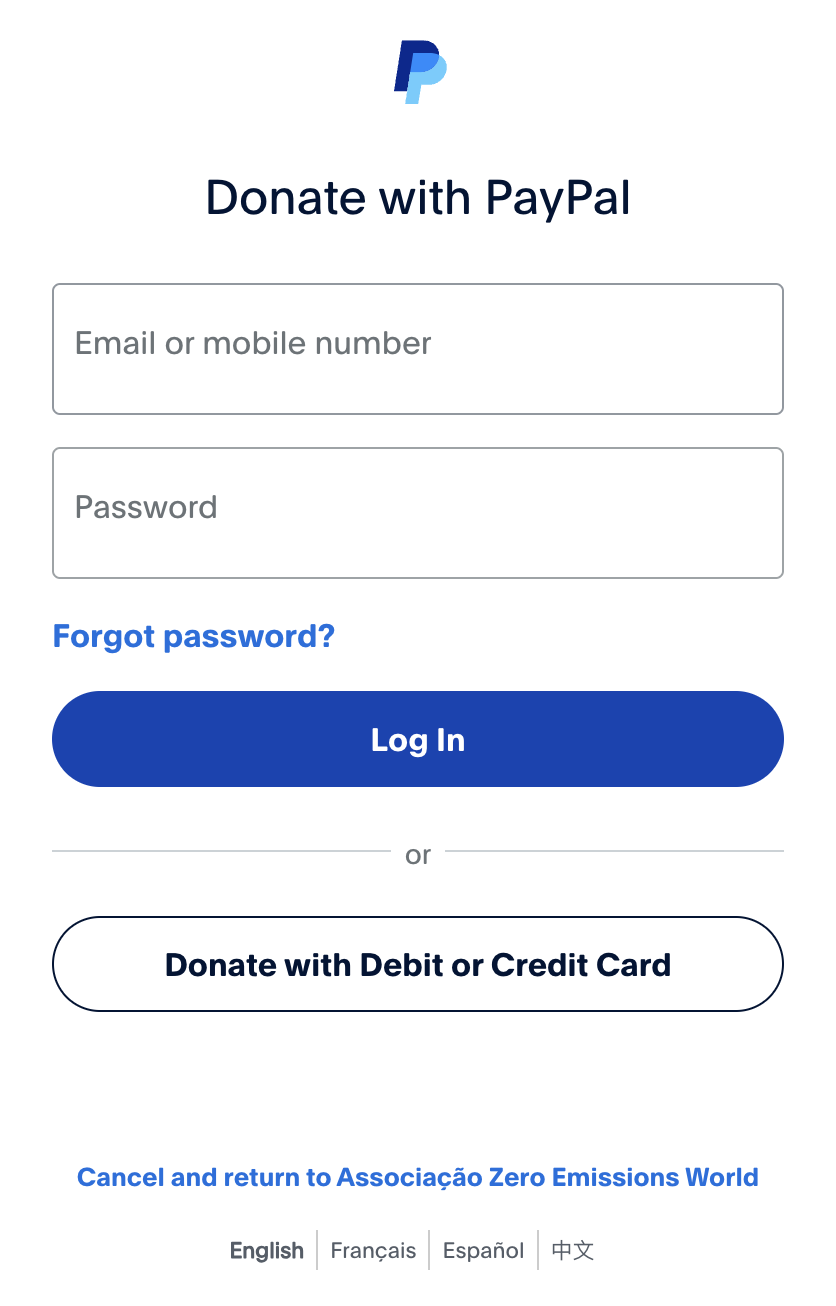
Follow the screen instructions to perform the donation. Once the preferred method is selected on PayPal, click on Donate Now.
Debit or Credit Card:
You’ll need to provide your card details, billing address and contact information:
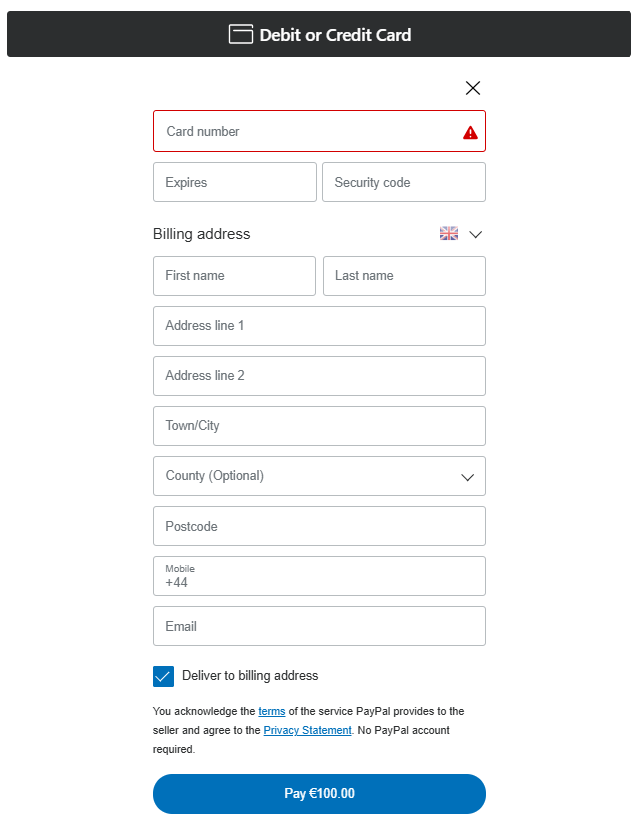
Once you’ve entered your details, click on the blue Pay button to complete your donation.
MBWAY
If you are based in Portugal, you can simply click on the MBWAY button, enter your mobile number, and then clock on the Donate button to complete your donation:
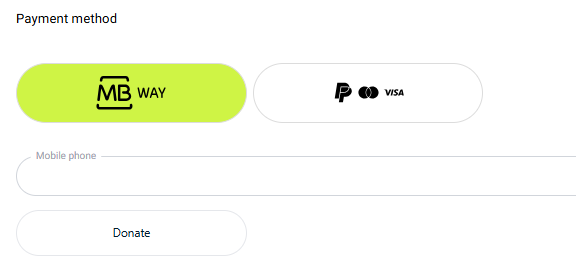
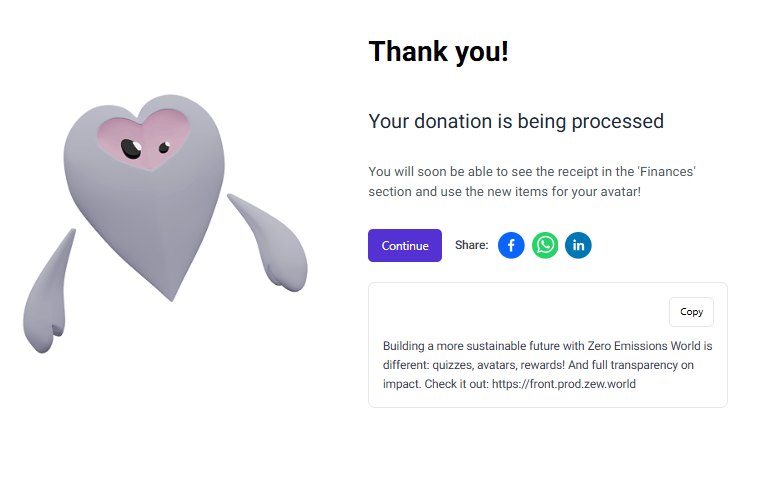
Once you’ve completed your donation, you will be able to see an instant confirmation:
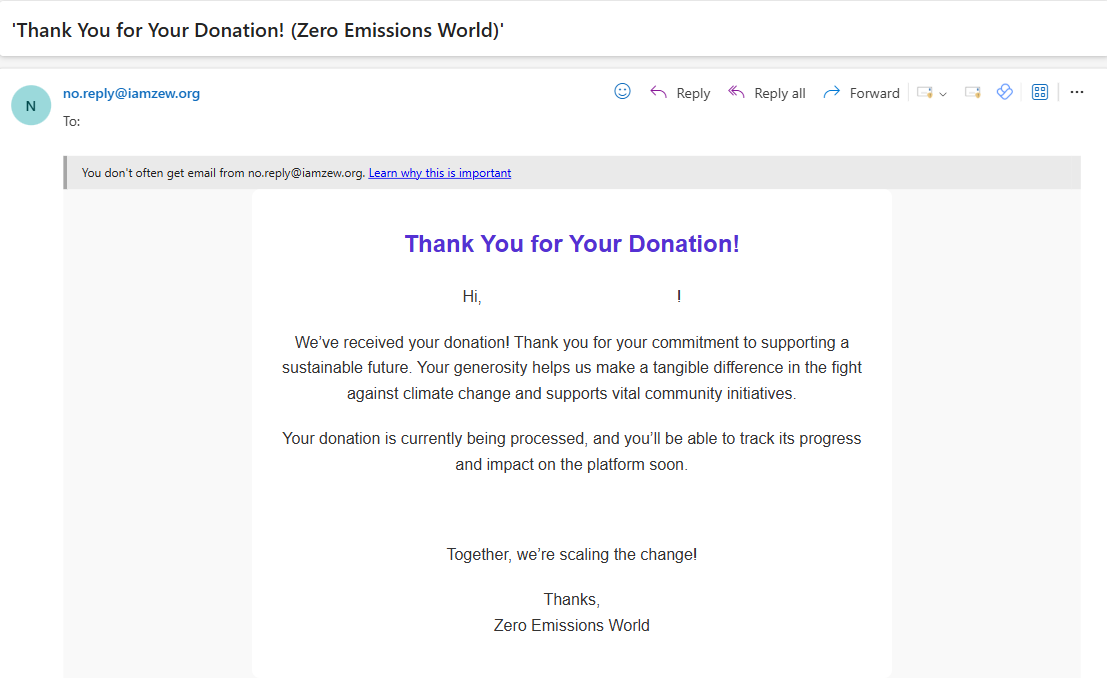
You will also be sent an email confirmation for your records:
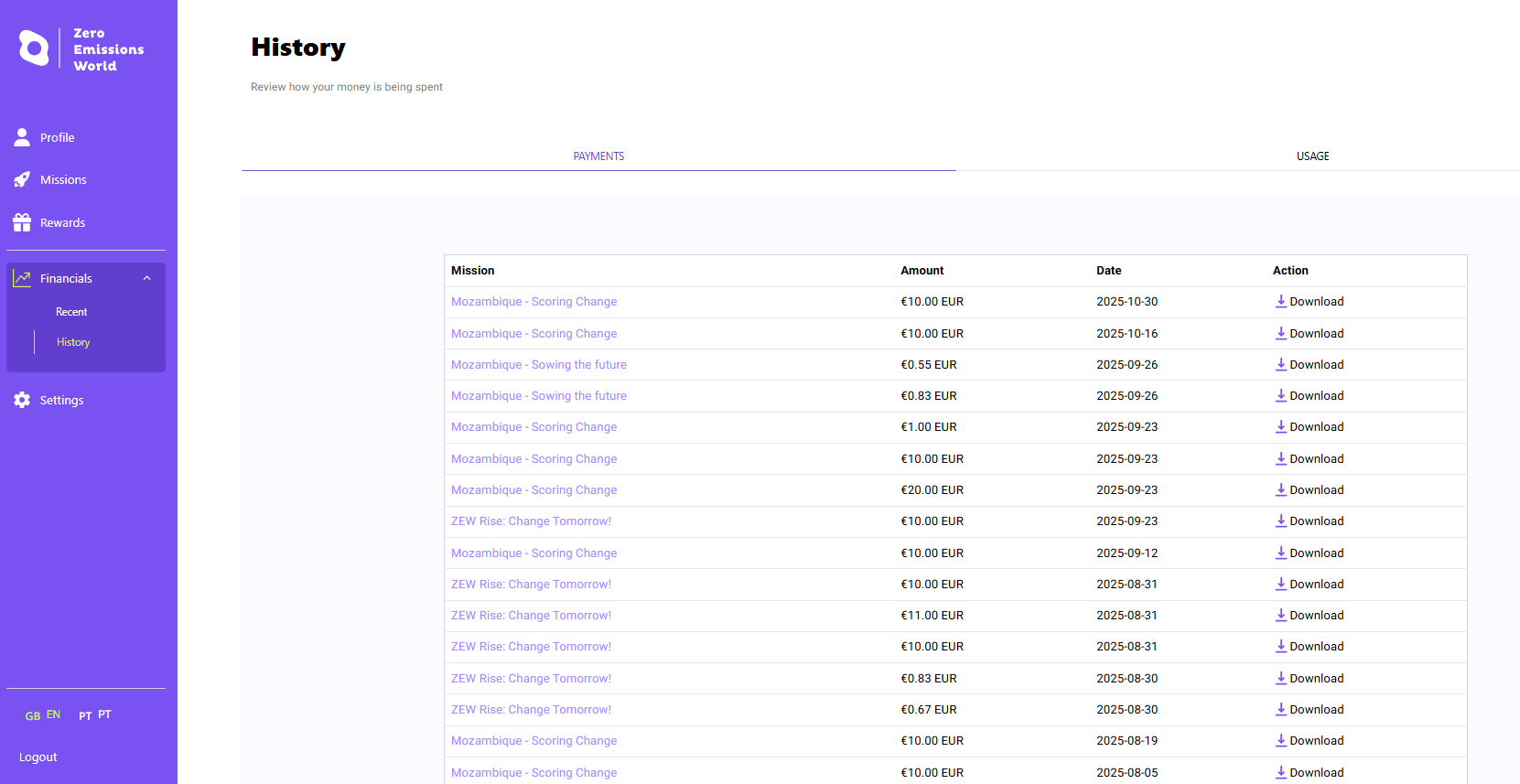
Once your donation has been processed, you will be able to see a record of it in the Financials section of your profile and also an option to download your invoices under ‘Action’:
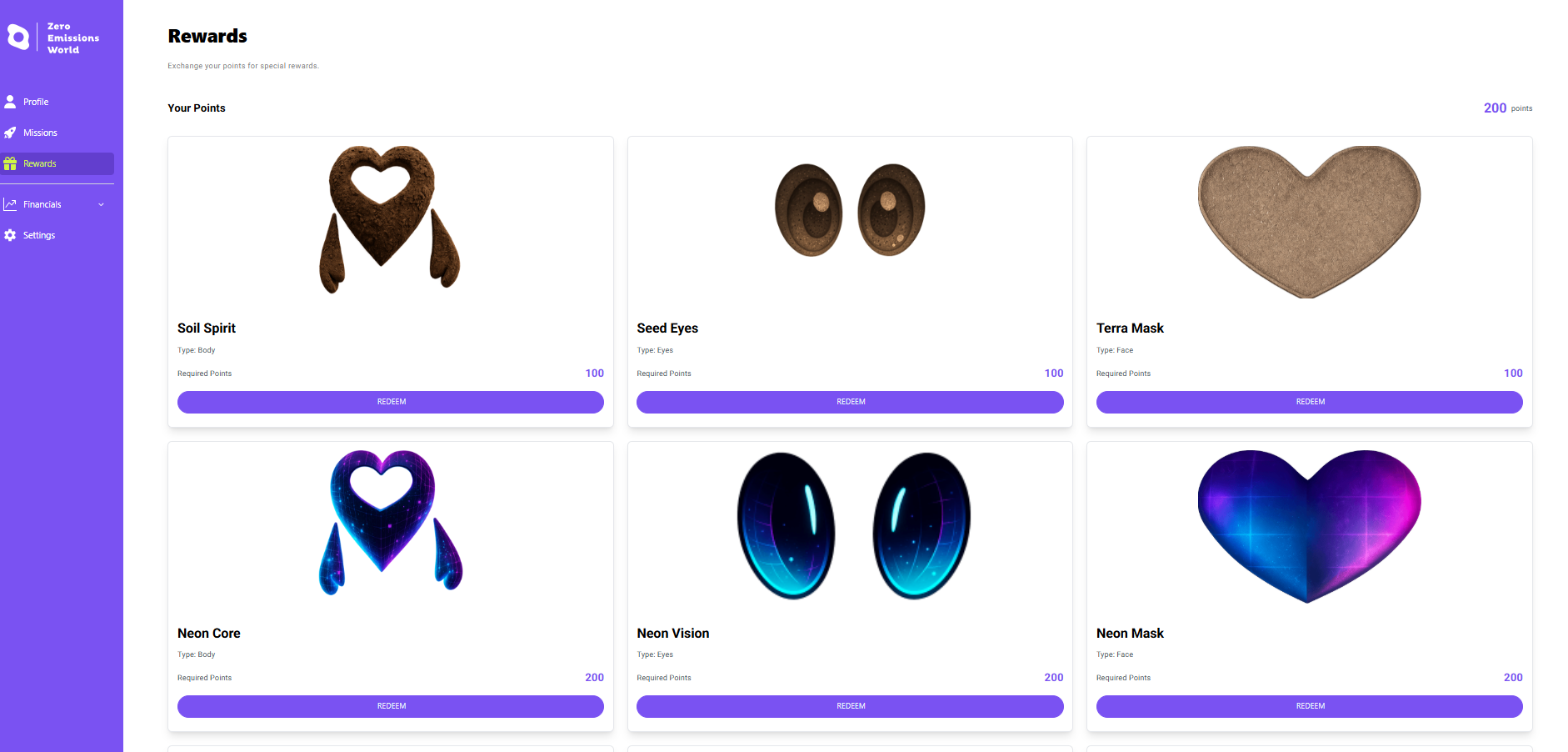
Don’t forget to spend your newly acquired points in the Rewards section to update your avatar!
The donation process is now complete. Thank you for being an awesome human being!

ZEW uses your donations to support vetted non-profits that work towards reducing emissions and addressing climate change globally. This donation supports Zero Emissions World's mission to promote environmental sustainability and climate action initiatives.